
Navigate to 'Bulk Operations' using the left hand navigation. Once here, you can bulk upload photos and documents using the 'File Upload' section.
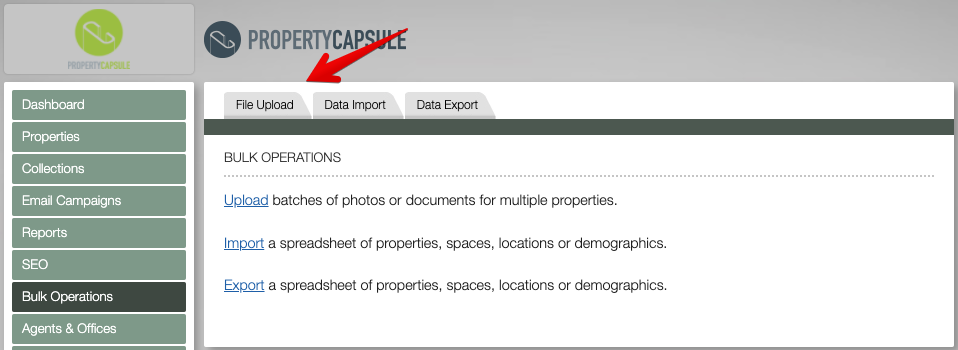
Through this interface, you can quickly upload documents and/or photos to multiple properties at the same time. Use the toggle in the top right to designate either documents or photos, and add the files to be uploaded.
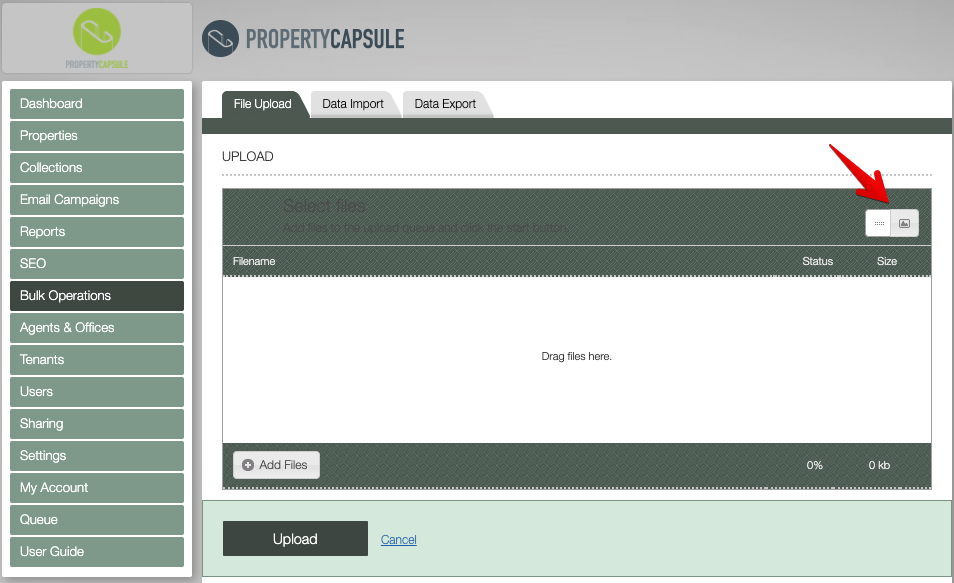
IMPORTANT NOTE : If the name of the property is in the name of the photo/document, the software will auto suggest the property to be uploaded - speeding up an already quick process!
Files of the same name will overwrite existing files.
Comments
0 comments
Please sign in to leave a comment.