
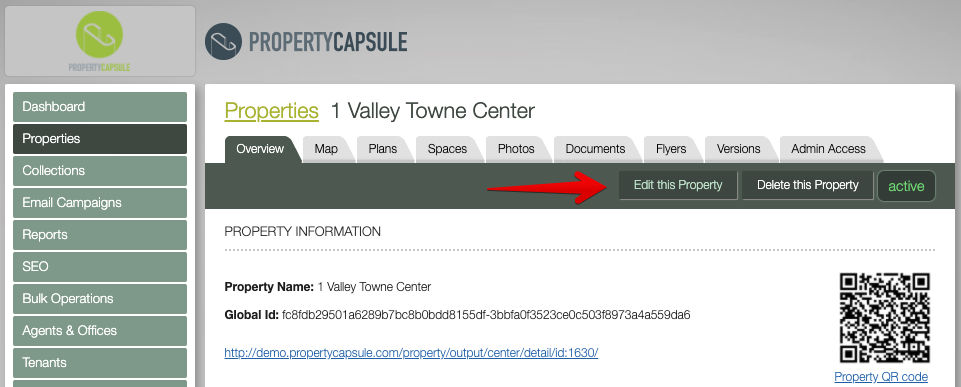
Navigate to 'Properties' using the left hand navigation and select the property you with to edit in the property list. Once in the desired property record, click 'Edit this Property'.
-------------------------
IMPORTANT NOTE: All edits on this tab and elsewhere are immediate to the public on your website. Be careful about incomplete updates.
When adding a new property, you may want to mark it as “inactive” until you have finished inputting data for spaces, photos, documents, etc. Once fully complete, mark the property as “active”. This avoids the chance of a visitor seeing a property with incomplete information.
-------------------------
Press ‘Save’ to submit your form.
Comments
0 comments
Please sign in to leave a comment.